
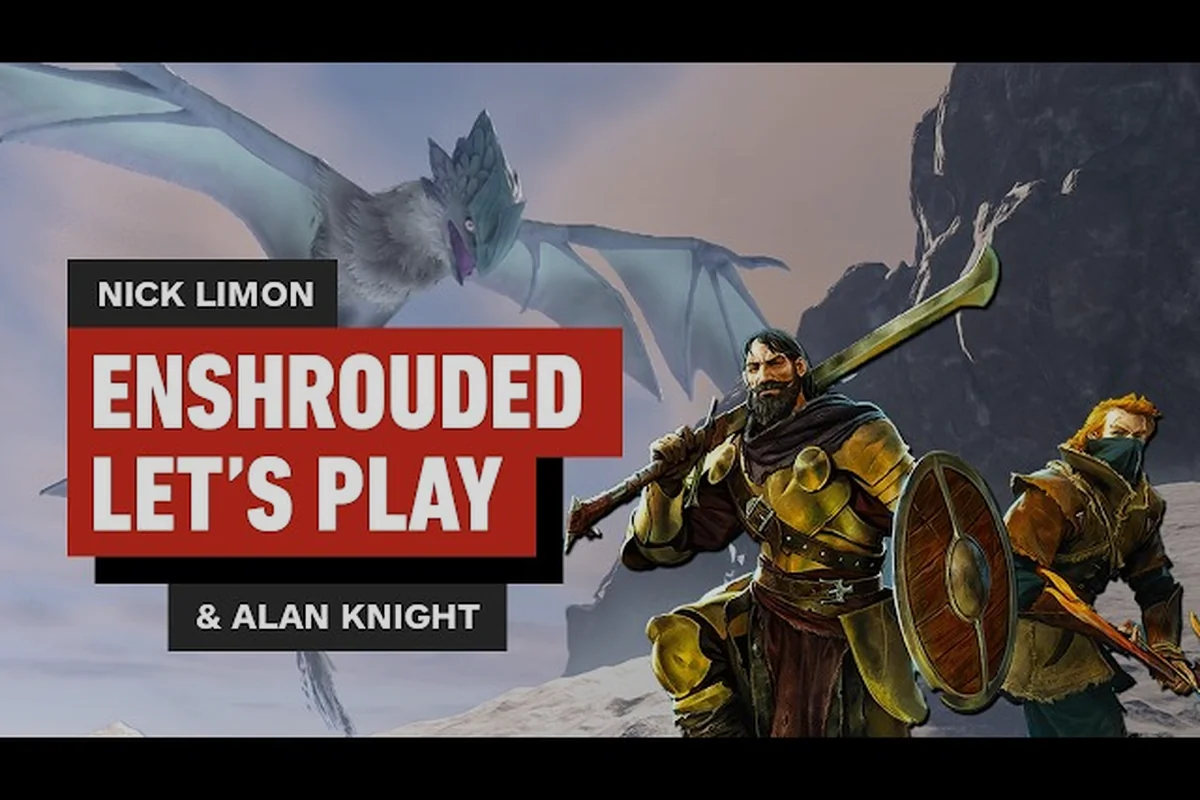
Enshrouded's Adventure Sharing system turns a single-player survival RPG into a platform for player-made content, letting you publish worlds that anyone can browse and play. This Enshrouded adventure sharing guide walks through publishing, browsing, and building the kind of levels that actually get played.
What Adventure Sharing Actually Does in Enshrouded
Adventure Sharing is the game's built-in publishing layer for player creations. Rather than handing out save files or running a private server, you flag a world as shareable and it becomes discoverable to the wider player base through an in-game browser. The 1.0 changelog on the the Enshrouded news archive on Steam confirms the system gained a "show more" button for every sorting category, a dedicated category highlighting adventures, and new creator tags — a clear signal that the developers intend this to be a living, browsable library rather than a buried feature.
The appeal is straightforward. Embervale's voxel terrain, free terraforming, grappling hook, and glider traversal give builders an unusually flexible toolkit, and Adventure Sharing is what lets that toolkit reach an audience. You are not limited to survival maps either. Players publish:
-
Parkour courses built from floating platforms and grapple chains
-
Escape rooms that use pressure plates, locked doors, and hidden levers
-
Combat gauntlets stuffed with elite enemies and boss arenas
-
Story dioramas that recreate locations from the main campaign
-
Resource farms shared so friends can skip early grinding
If you have spent any time in the multiplayer guide learning how hosting and joining works, Adventure Sharing is the natural next step — it removes the need for everyone to be online at the same moment.
How Sharing Differs From Co-op Hosting
Co-op hosting is synchronous: everyone logs in together, and the world lives on the host's machine. Adventure Sharing is asynchronous. You publish a snapshot, other players load it on their own schedule, and their progress in your world does not touch your save. That distinction matters because it changes what you should build. A co-op base is optimized for shared storage and crafting throughput, while a shared adventure is optimized for a stranger's first five minutes.
What Gets Published
When you mark a world as shareable, the system captures the terrain, structures, placed props, and the flame altar boundaries that define your buildable region. Quest state and character progression stay with the original save. Community reports suggest that published worlds preserve terraformed voxels exactly, which is why elaborate floating builds survive the upload intact.
How to Share Your World Step by Step
Publishing a custom adventure in Enshrouded takes only a few clicks through the world browser, but the difference between a world that gets played and one that gets buried comes down to preparation you do before hitting that button. Terraforming and prop edits made after publishing force a full re-upload, and a misplaced flame altar can spawn visitors inside terrain or mid-air — two of the most common reasons player-made dungeons and parkour maps get abandoned within minutes. The table below summarizes the six-step workflow, from locking your build to verifying browser visibility, before we break down each stage in detail.
| Step | Action | Why It Matters |
|---|---|---|
| 1 | Finish terraforming and props | Edits after publishing require a re-upload |
| 2 | Place a flame altar at the entry point | Defines where visitors spawn |
| 3 | Clear a safe landing zone | Prevents spawn-death frustration |
| 4 | Write a clear title and description | Drives browser click-through |
| 5 | Tag the adventure type | Feeds the creator-tag sorting |
| 6 | Publish and verify in the browser | Confirms visibility to others |
Preparing the World Before You Publish
Start by deciding what the visitor experiences in their first thirty seconds. A parkour map should open onto a visible route; an escape room should open onto a sealed room with obvious interactables. Clear any shroud pockets near the spawn so newcomers are not immediately drained, and place a lit brazier or two so the entry reads as intentional rather than accidental.
Writing a Title and Description That Gets Clicks
The browser is competitive, and the 1.0 update's expanded sorting means your listing competes against hundreds of others. Keep the title concrete — "Spiral Grapple Tower — 6 Checkpoints" beats "My Cool Map." In the description, state the difficulty, the estimated completion time, and whether the adventure needs specific gear such as an upgraded glider or a double jump unlock.
Verifying the Upload
After publishing, open the community browser yourself and search your title. Confirm the thumbnail, tags, and description render correctly. If a detail is wrong, you can remove the listing and republish; the changelog notes that players can now remove an upvote or downvote, and that a shared adventure's name and details plus voting are visible while visiting it — so first impressions are editable but not invisible.
How to Play Custom Adventures and Browse Community Worlds
Finding good content is its own skill. The browser sorts by popularity, recency, and category, and the 1.0 patch added a "show more" expansion to every sort, which means you can scroll deeper into older but still excellent maps instead of only seeing the current top ten.
| Browser Filter | Best For | Watch Out For |
|---|---|---|
| Popular / top rated | Proven parkour and escape rooms | Older maps may predate current movement tech |
| Newest | Fresh builds and experiments | Quality varies wildly |
| Creator tags | Following a builder you like | Tag coverage is still growing |
| Category highlight | Curated adventure picks | Smaller pool, higher average quality |
Reading a Listing Before You Load In
Check the description for gear requirements first. A map that assumes a fully upgraded glider will be miserable if you arrive with the starter version. Look at the vote count too — a handful of upvotes on a brand-new map is a weaker signal than a modest score on something that has been live for months.
Loading a Shared Adventure Safely
Loading a community world does not overwrite your own save, but it is still worth keeping a backup. The save file and recovery guide covers transferring and backing up worlds, which is useful if you plan to bounce between many shared adventures. Treat each community world as a separate sandbox and you will never lose campaign progress.
Building Parkour Levels That People Finish
Parkour is the most popular category in Adventure Sharing, and it is also the easiest to get wrong. The core design problem is difficulty pacing: a course that is too hard in the first ten seconds gets abandoned, and one that is too easy gets a downvote for being boring.
Designing the Difficulty Curve
Structure your course in three acts. The opening should teach the movement vocabulary — a simple grapple swing, a short glide, a basic jump gap. The middle act combines two mechanics at once. The finale should demand everything you taught, but with generous checkpoints so failure is cheap.
| Course Segment | Mechanics Introduced | Checkpoint Density |
|---|---|---|
| Opening (0-30s) | Single grapple, flat glide | Every obstacle |
| Middle (30-90s) | Grapple + glide chains, wall jumps | Every 2 obstacles |
| Finale (90s+) | Precision landings, timed routes | Every obstacle again |
Placing Checkpoints and Respawn Points
Checkpoints are the difference between a fun course and a rage-quit. Place one after every genuinely hard sequence, and make the respawn point visually distinct — a glowing platform or a flame altar-style marker works well. If a fall sends players back to the very start, most will simply leave.
Testing Your Own Course
Run your course at least three times before publishing. The first pass catches broken geometry, the second catches unfair timing windows, and the third confirms the route is readable without prior knowledge. Community builders consistently report that a course which feels obvious to its creator is usually ambiguous to everyone else.
Building Escape Rooms and Puzzle Adventures
Escape rooms lean on Enshrouded's interactive props rather than raw movement skill, which makes them a good fit for builders who prefer logic design over precision platforming. The challenge is making puzzles solvable without being trivial. A reliable structure is a three-stage lock: first a Grappling Hook traversal gate that forces players through a specific entry point, then a Shroud timer segment where the wrong lever drains the oxygen meter before the correct sequence is found, and finally a Flame Altar ignition that only opens once a hidden Rune is placed. Because Shroud damage scales with time spent inside, you can tune difficulty without touching geometry — a 20-second window feels tense for two players but forgiving for a solo runner. Pair each puzzle with a visible fail state, such as a collapsing bridge or an extinguishing brazier, so testers understand why an attempt failed rather than wandering in circles.
Using Props as Puzzle Logic
The game's building system includes doors, levers, and pressure-plate-style interactions that can gate progress. Chain them so each solved puzzle reveals the next clue. A reliable pattern is a three-stage lock: find a key item, use it to open a side room, and use what is inside to open the exit. Keep the flame altar area large enough that players cannot simply terraform around your walls.
Signposting Without Spoiling
Players need to know a puzzle exists before they can solve it. Use lighting, color, and placement to draw the eye toward interactables, but avoid text signs that spell out the solution. A lit corridor that dead-ends at a locked door communicates "there is a key" far better than a wall of instructions.
Balancing Solo and Group Play
Escape rooms work for both solo players and groups, but the design shifts. Solo rooms should be linear; group rooms can use parallel puzzles that require two players to act simultaneously. If you want a co-op-focused build, the co-op base layout ideas show how shared spaces are typically organized, which translates well into multi-player puzzle rooms.
Making Your Adventure Stand Out
Once the basics work, presentation decides whether your listing climbs. The 1.0 update's category highlighting and creator tags reward builders who pick a clear identity instead of publishing a little of everything. This matters because Enshrouded's discovery feed sorts by category first and recency second, so a builder tagged under parkour competes against a handful of rivals, while a generalist tagged under adventure drowns in the same pool as every sprawling quest hub. Practically, that means choosing one lane — Enshrouded parkour level building, an escape room, or a user-created dungeon crawl — and letting your creator tag reinforce it across every upload. Builders who stay in one lane accumulate followers who return specifically for that format, and their back catalog keeps surfacing long after the initial publish window closes.
-
Pick one genre and own it — a builder known for tight parkour gets followers
-
Use a strong thumbnail moment — place a dramatic structure at the spawn point
-
Name your series — "Tower Trials 1, 2, 3" signals a body of work
-
Respond to feedback through updates — republish with fixes rather than abandoning a map
-
Keep difficulty honest — label hard maps as hard so players self-select
Building a Creator Identity
Tags are the mechanism here. If you consistently tag your builds as parkour or escape rooms, players who enjoy one will find the rest. The changelog's addition of creator tags suggests the developers want this kind of discoverability, so use the tags deliberately rather than tagging everything.
Iterating After Launch
Treat publishing as the start, not the finish. Enshrouded's Shroud survival loop means players judge your custom adventure by its first 90 seconds of checkpoint spacing, so watch which sections they quit at and where the death count spikes. If a parkour level's mid-air jump gap reads as unfair, players won't finish it — they'll just leave a one-star review and never return. Adjust checkpoint density, re-tune the flame altar placement, and republish. A map that gets a second pass almost always outperforms one that was uploaded once and forgotten, because the community's feedback loop is what separates a forgotten world from a featured one.
Frequently Asked Questions
How do I share my world in Enshrouded?
Finish your build, place a flame altar at the intended spawn point, then mark the world as shareable through the Adventure Sharing option and publish it with a title, description, and tags. Once live, other players can find it in the in-game community browser and load it without touching your original save.
Can I play custom adventures without owning the world?
Yes. Community worlds load as separate sessions, so you can browse, download, and play any published adventure while keeping your own campaign and character progress intact. It is worth backing up your save before hopping between many shared worlds, just as a precaution.
What makes a good parkour level in Enshrouded?
A good course teaches one mechanic at a time, then combines them, and places checkpoints after every genuinely difficult sequence. Generous respawn points keep failure cheap, and testing the route three times before publishing catches unfair timing windows that the creator cannot see.
Do escape rooms work for solo players?
They do, but the design changes. Solo escape rooms should be linear with a single clear chain of clues, while group rooms can split puzzles across parallel objectives that require two players to act at once. Label which type you built so players self-select correctly.
Why is my shared adventure not getting played?
Most low-traffic listings fail on presentation rather than quality. A vague title, a missing description, or no tags leaves the browser with nothing to sort on. Concrete titles, honest difficulty labels, and consistent creator tags are what move a listing up the categories.
Adventure Sharing rewards builders who treat publishing as a craft rather than an afterthought. Prepare the spawn point, write a listing that tells players exactly what they are getting, and design difficulty so newcomers finish instead of quitting. Whether you are chaining grapple swings into a parkour finale or hiding keys behind three-stage escape room locks, the same principle applies: the best shared worlds are the ones a stranger can understand in their first thirty seconds.